PDF Accessibility
Your PDFs can be Truly Accessible
Accessibility widgets and overlays can improve website usability, but documents require proper structure, reading order, tagging, headings, alt text, and semantic remediation. WebAbility helps teams move from surface-level access to accessible documents users can actually navigate.
Make your PDF Accessible (external link)

Accessible PDFs Create Better Experiences
Accessible documents are easier to read, navigate, search, and understand. With proper tagging, semantic structure, reading order, alt text, and screen reader compatibility, your PDFs become usable for every visitor while supporting ADA and WCAG 2.2 requirements.
Accessible PDFs matter across every sector
Government agencies can meet ADA Title II electronic-document deadlines without replacing their existing CMS or workflow.
Universities & schools can make syllabuses, course packs, and financial-aid documents reachable by every student.
Legal & compliance teams can produce audit-ready conformance reports and satisfy procurement requirements without manual remediation.
Healthcare providers can ensure patient forms, discharge instructions and benefit guides reach people who rely on assistive technology.
Live today
Everything You Need to Create Accessible PDFs
WebAbility helps organizations go beyond basic document viewing with accessible browser experiences, tagged PDF/UA downloads, AI-assisted remediation workflows, and compliance-ready reporting. Everything is managed from one platform.
Connect your website to WebAbility and automatically process PDFs across your organization, with centralized visibility, tracking, and accessibility workflows.
Live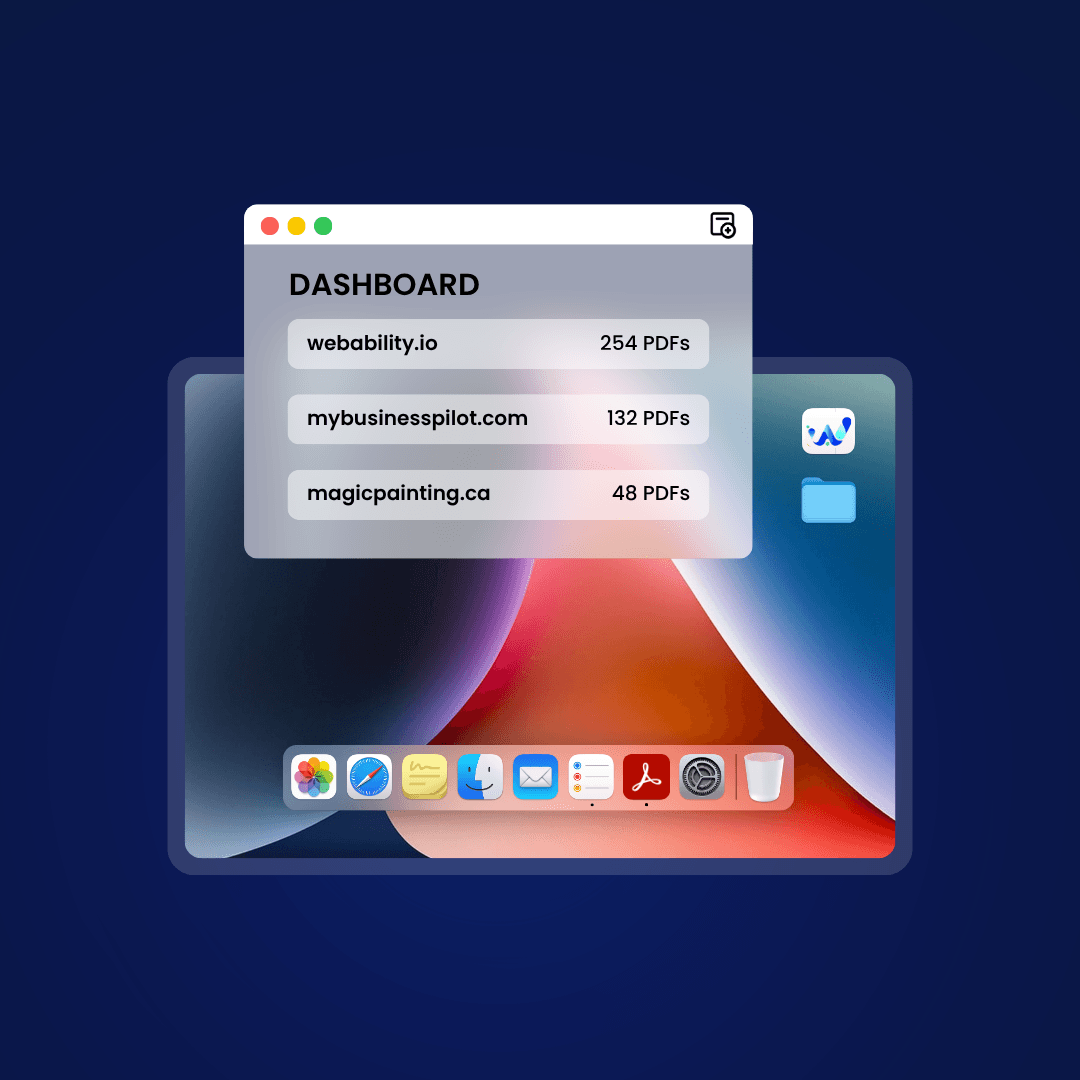
HOW IT WORKS
Make Your PDF Accessible in 3 simple steps.
1
Connect your site
Add your site to WebAbility and install the snippet in minutes. PDFs across your website are automatically detected and queued for accessibility processing.
No CMS migration required2
We Analyze & Remediate
WebAbility reviews document structure, reading order, headings, tables, and accessibility issues while generating AI-assisted image descriptions for human review.
Built for scalable remediation workflows3
Publish Accessible Files
Download tagged PDF/UA files, share accessible browser views, and access document-level conformance reporting directly from your dashboard.
Accessible files you control and ownAccessibility that goes further
WebAbility Extends Accessibility Beyond the Viewer
Accessibility overlays and accessible viewers can improve access to web experiences. WebAbility builds on that foundation by helping organizations create accessible document structures, downloadable tagged PDFs, and remediation workflows designed for long-term compliance.
Capability | WebAbility Tagged file + viewer + report | Other Solutions Hosted viewer only |
|---|---|---|
| In-browser accessible view of the PDF | WebAbility: Semantic HTML view from one snippet | Other Solutions: Hosted viewer on their servers |
| Tagged PDF/UA version of the actual file | WebAbility: Downloadable for standard PDFs; XFA forms flagged for review | Other Solutions: The original file stays inaccessible |
| Portable artifact you own | WebAbility: A tagged PDF you host yourself, no viewer dependency | Other Solutions: The accessible version lives on their servers |
| Per-document conformance report | WebAbility: An ACR-style report per document | Other Solutions: Not provided |
| Ask-a-question & 33-language translation | WebAbility: Cited Q&A and on-demand translation, live today | Other Solutions: Q&A and translation, hosted-viewer only |
| Managed from one dashboard | WebAbility: Submit and track in the WebAbility dashboard | Other Solutions: Separate hosted console |
| One vendor, one bill | WebAbility: Bundled with the WebAbility widget platform | Other Solutions: Separate point solution |
WebAbility Tagged file + viewer + report | Other Solutions Hosted viewer only |
|---|---|
| In-browser accessible view of the PDF | |
WebAbility: Semantic HTML view from one snippet Other Solutions: Hosted viewer on their servers | |
| Tagged PDF/UA version of the actual file | |
WebAbility: Downloadable for standard PDFs; XFA forms flagged for review Other Solutions: The original file stays inaccessible | |
| Portable artifact you own | |
WebAbility: A tagged PDF you host yourself, no viewer dependency Other Solutions: The accessible version lives on their servers | |
| Per-document conformance report | |
WebAbility: An ACR-style report per document Other Solutions: Not provided | |
| Ask-a-question & 33-language translation | |
WebAbility: Cited Q&A and on-demand translation, live today Other Solutions: Q&A and translation, hosted-viewer only | |
| Managed from one dashboard | |
WebAbility: Submit and track in the WebAbility dashboard Other Solutions: Separate hosted console | |
| One vendor, one bill | |
WebAbility: Bundled with the WebAbility widget platform Other Solutions: Separate point solution | |
On the roadmap
Future of Document Accessibility
We believe accessibility should be measurable, transparent, and scalable. These features are currently in development and reflect where the platform is headed next.
veraPDF / PAC validation badge
Independent PDF/UA validator results surfaced alongside each document, providing proof of conformance, not just a claim.
Accessibility analytics
Track document engagement, accessibility interactions, language usage, and remediation activity across your entire organization in one place.
Deep CMS & LMS integration
Native integrations for Granicus, CivicPlus and Canvas LMS, going beyond the universal snippet that already works everywhere today.
ADA Title II preparedness
Public Documents Are Part of Digital Accessibility Requirements
The DOJ's ADA Title II rule includes electronic documents such as PDFs, Word files, Excel sheets, and PowerPoint presentations. Accessible documents are becoming an essential part of digital compliance strategies across public-sector organizations.
Large entities
April 26, 2027
Population 50,000+
Smaller entities
April 26, 2028
All others in scope
Make your documents accessible with accessible PDF views, downloadable PDF/UA files, conformance reports, and AI alt text flagged for human review.
Open your Accessibility Dashboard (external link)